




How to Choose a Liquid Crystal Display (LCD)
How to Choose a Liquid Crystal Display (LCD)
Fully adapted to American English habits, professional & easy to understand.
First, clarify your usage scenario — this is the most important step.
1.Industrial & mechanical control use: Prioritize wide temperature resistance, voltage tolerance, anti-interference performance, high brightness and long service life.
2.Home & office monitors: Focus on eye protection, wide color gamut, high refresh rate and low blue light.
3.Digital signage & outdoor displays: Choose high-brightness, anti-glare, dustproof and waterproof models for all-day operation.
4.Vehicle-mounted & embedded small screens: Require ultra-slim design, shock resistance and high temperature resistance.
Core Parameters to Consider
1. Size & Aspect Ratio
Common sizes: 7 inch, 10.1 inch, 15.6 inch, 21.5 inch, 27 inch.
- 16:9: Standard universal ratio
- 4:3: Widely used for industrial control and traditional equipment
- 16:10: Ideal for office work
2. Resolution (Image Clarity)
- Entry-level: 1024×600, 1280×800 (for industrial control and simple display)
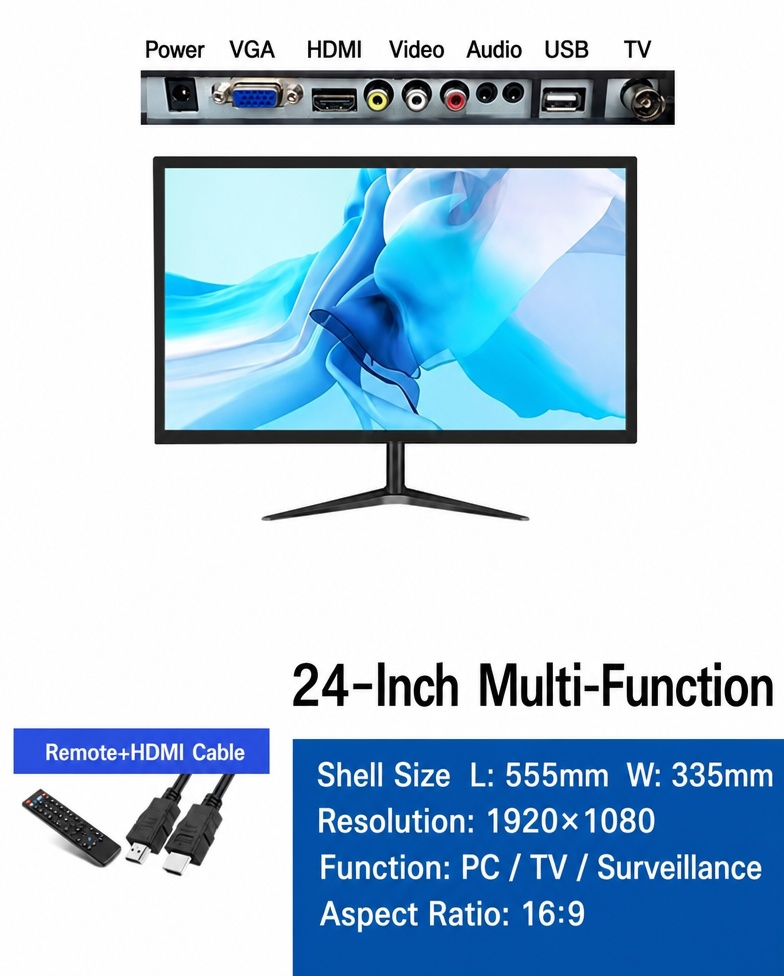
- Full HD: 1920×1080 (most popular for daily use)
- High-end: 2K / 4K (for design, drawing and high-definition viewing)
3. Panel Type
- IPS Panel: Wide viewing angle, accurate color, best for commercial and home use.
- VA Panel: High contrast, deep black performance, perfect for surveillance and video viewing.
- TN Panel: Fast response but poor color performance, rarely used now.
- Industrial TFT Panel: High temperature resistance, shockproof, long lifespan for embedded equipment.
4. Brightness (cd/㎡ / nits)
- Indoor regular use: 250–300 nits
- Bright indoor / near windows: 400–500 nits
- Outdoor strong light environment: 700–1000 nits high-brightness screen
- Heavy outdoor industrial use: 1500+ nits anti-reflection display
5. Contrast Ratio
Higher contrast delivers better layering and clearer dark scene details.Standard: 1000:1 | Industrial & premium: 3000:1 ~ 5000:1
6. Viewing Angle
For industrial equipment or public display, select full viewing angle versions to avoid color shift from side views.
7. Interface Compatibility
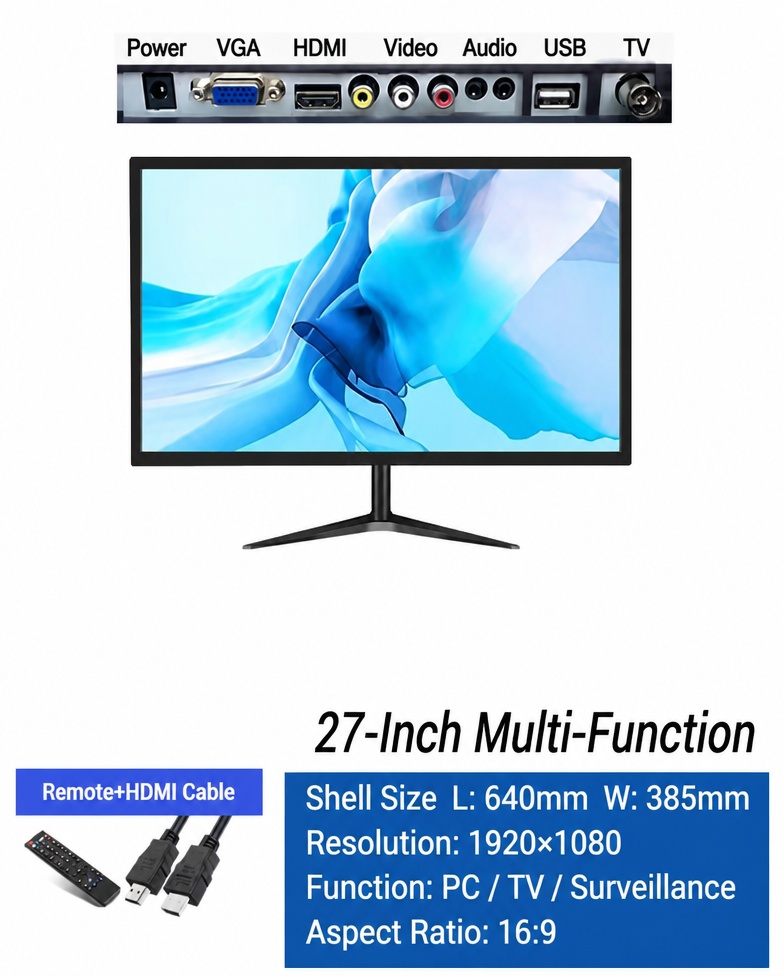
Common ports: HDMI, VGA, AV, BNC, USB, LVDS
- PC & regular devices: HDMI + VGA
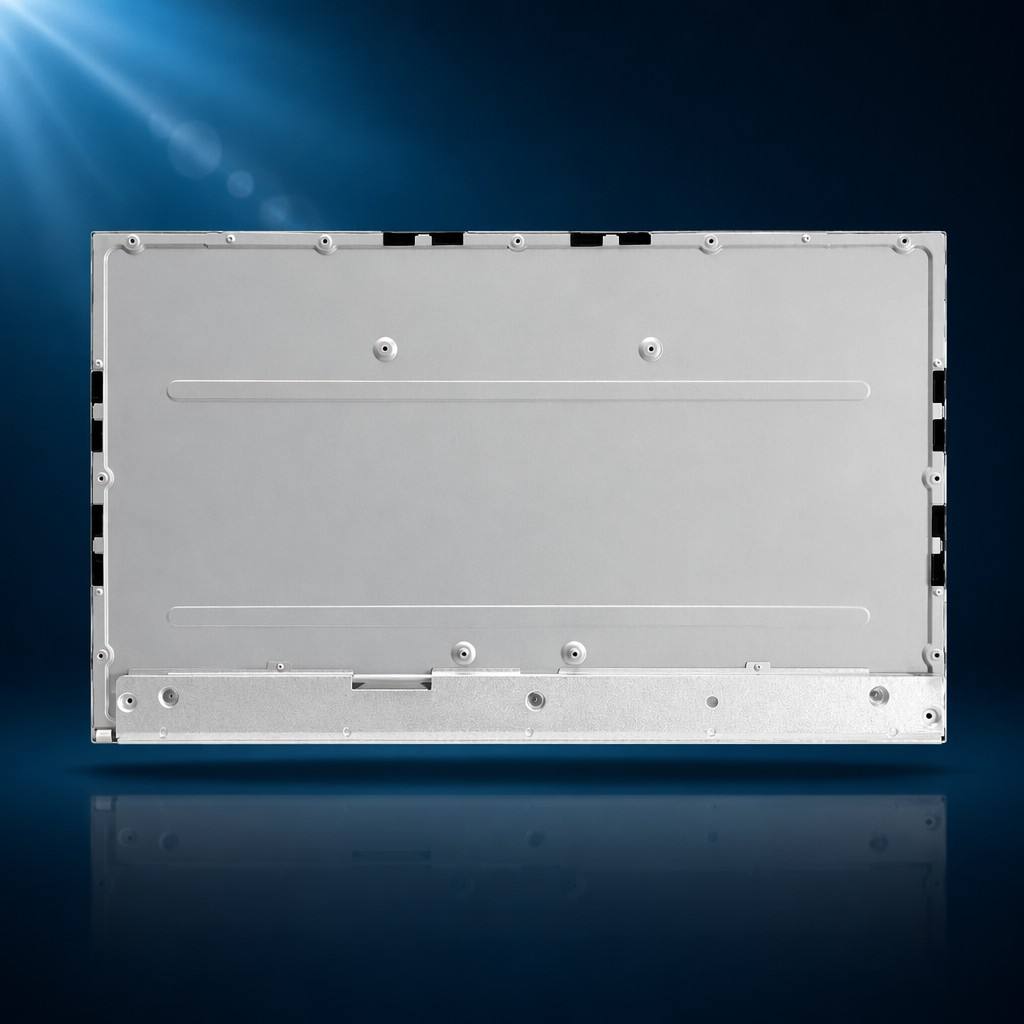
- Embedded industrial equipment: LVDS flexible cable interface
- Security monitoring: BNC & AV ports
8. Refresh Rate
- Office, monitoring & static display: 60Hz is sufficient
- Gaming & high motion video: 144Hz / 165Hz
9.Extra Key Points for Industrial & Engineering Screens
1.Operating temperature: General grade 0℃~50℃; industrial wide temperature -20℃~70℃
2.Long service life: Industrial screens support over 50,000 working hours
3.Dustproof, shockproof and anti-electromagnetic interference for factory environments
4.Touch screen options: Capacitive touch for high sensitivity; resistive touch for dustproof industrial scenarios
Common Buying Mistakes to Avoid
10.Do not only focus on size; resolution and brightness determine actual display quality.
- Confirm mounting cutout size and interface definition for embedded installation.
- Never use low-brightness screens in strong light; the screen content will be hard to see.
- For 24/7 continuous operation, choose commercial or industrial-grade displays to prevent aging and burn-in.
Quick Selection Guide
- Home & Office: IPS + 1080P + Low Blue Light
- Industrial Control Equipment: Industrial TFT + Wide Temperature + Full View Angle
- Advertising & Bright Spaces: High-Brightness IPS Screen
- Security Monitoring: High-Contrast VA Panel
Tags: