




How to Understand LCD Composition: From Core Components to Practical Knowledge, Easy for Beginners to Grasp
How to Understand LCD Composition: From Core Components to Practical Knowledge, Easy for Beginners to Grasp
LCDs have long been integrated into our daily lives—from small displays in smartwatches and car dashboards to office monitors and large commercial screens. Many people have used LCDs for years but have no idea how they work. Today, we’ll break down the key components of LCDs in plain language, so you can easily understand "the secrets behind a screen"—whether for daily use or professional selection, you’ll quickly grasp the core knowledge.
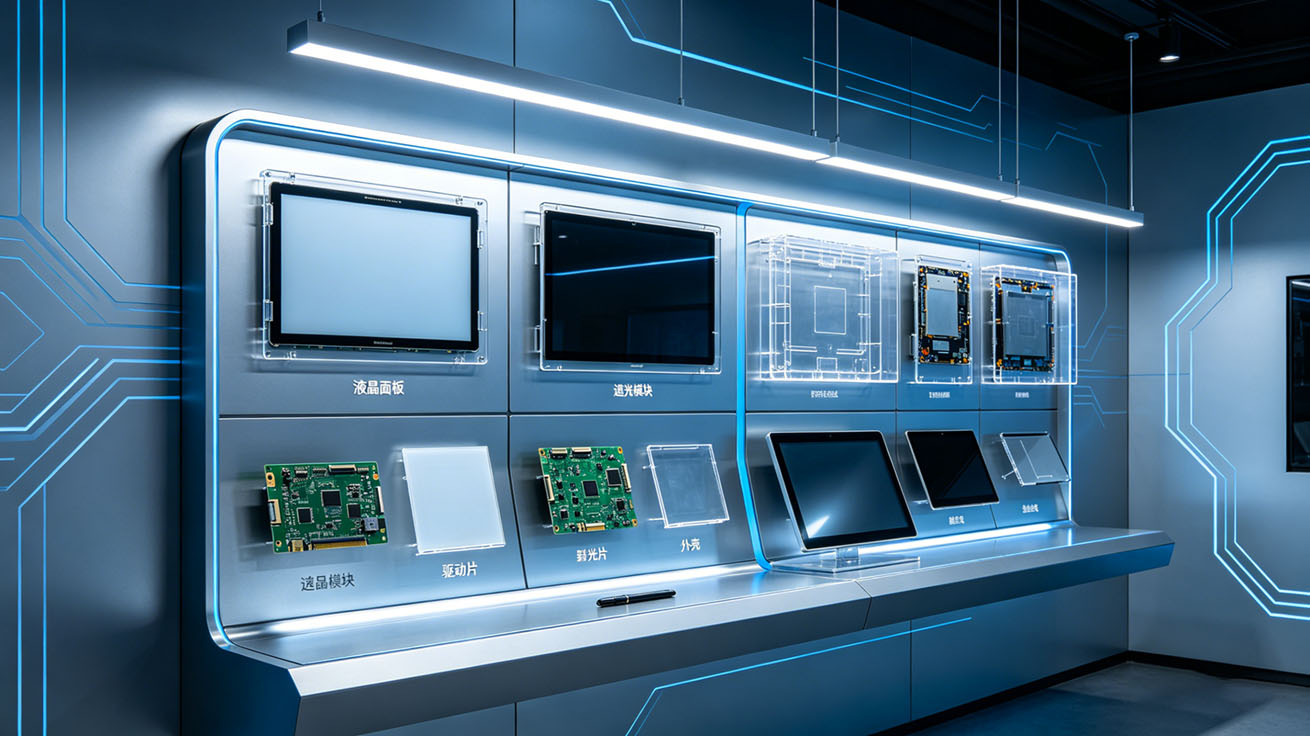
The composition of an LCD is not complicated; it consists of five key components that work together to determine the screen’s image quality, brightness, response speed, and durability—none of these components can be missing.
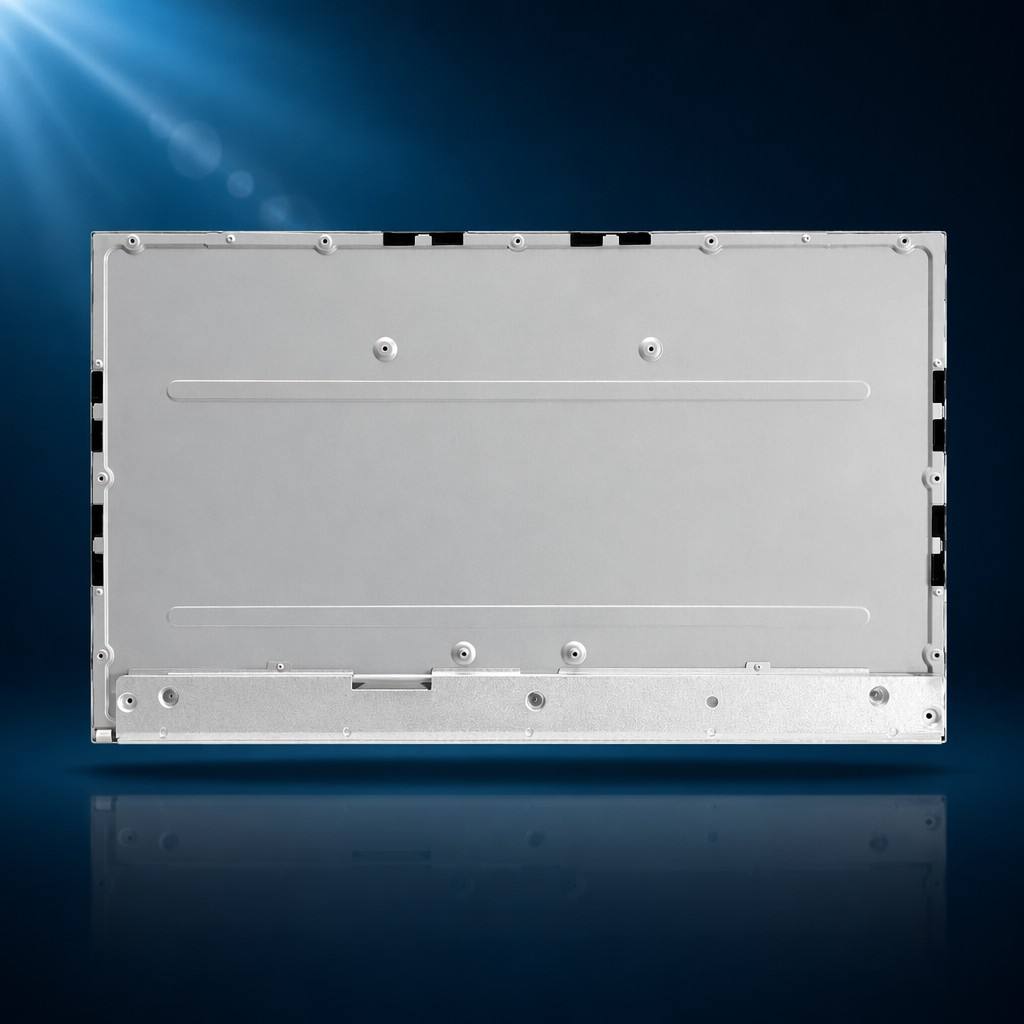
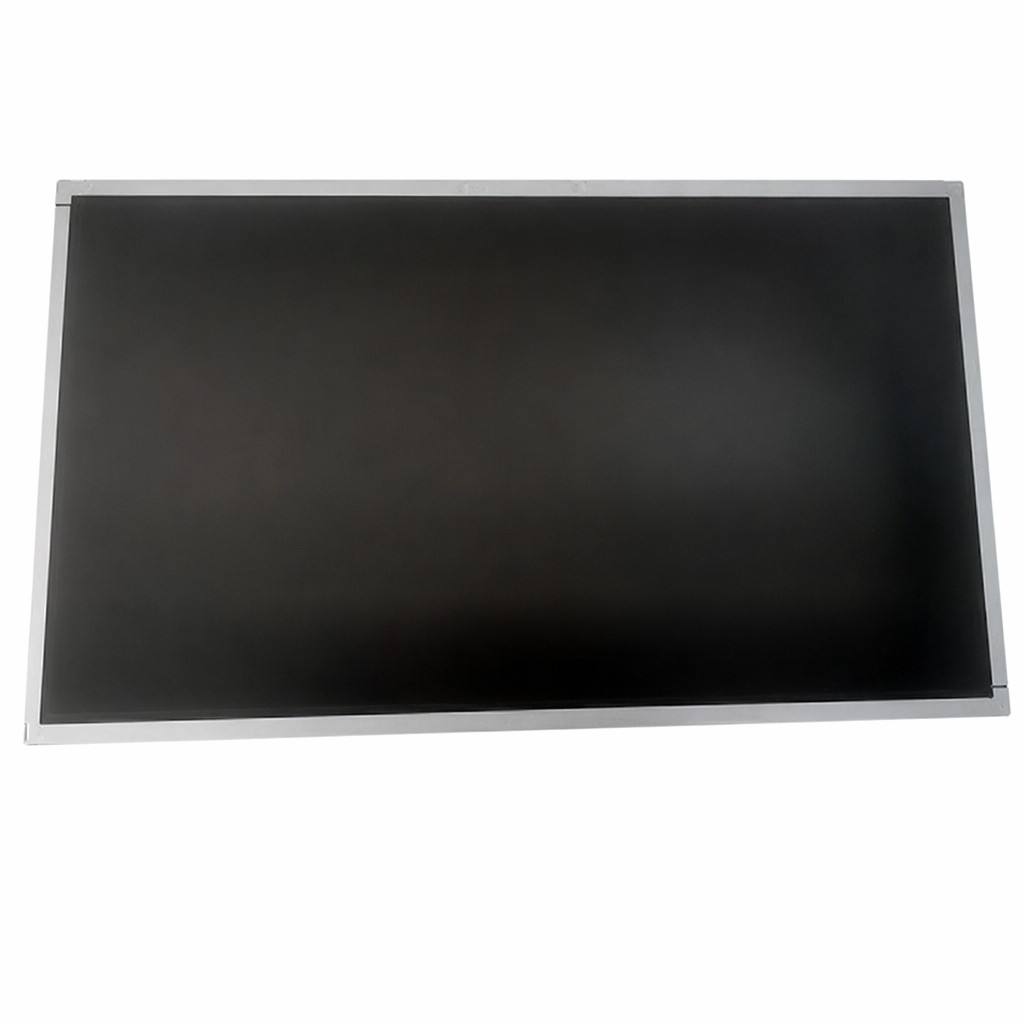
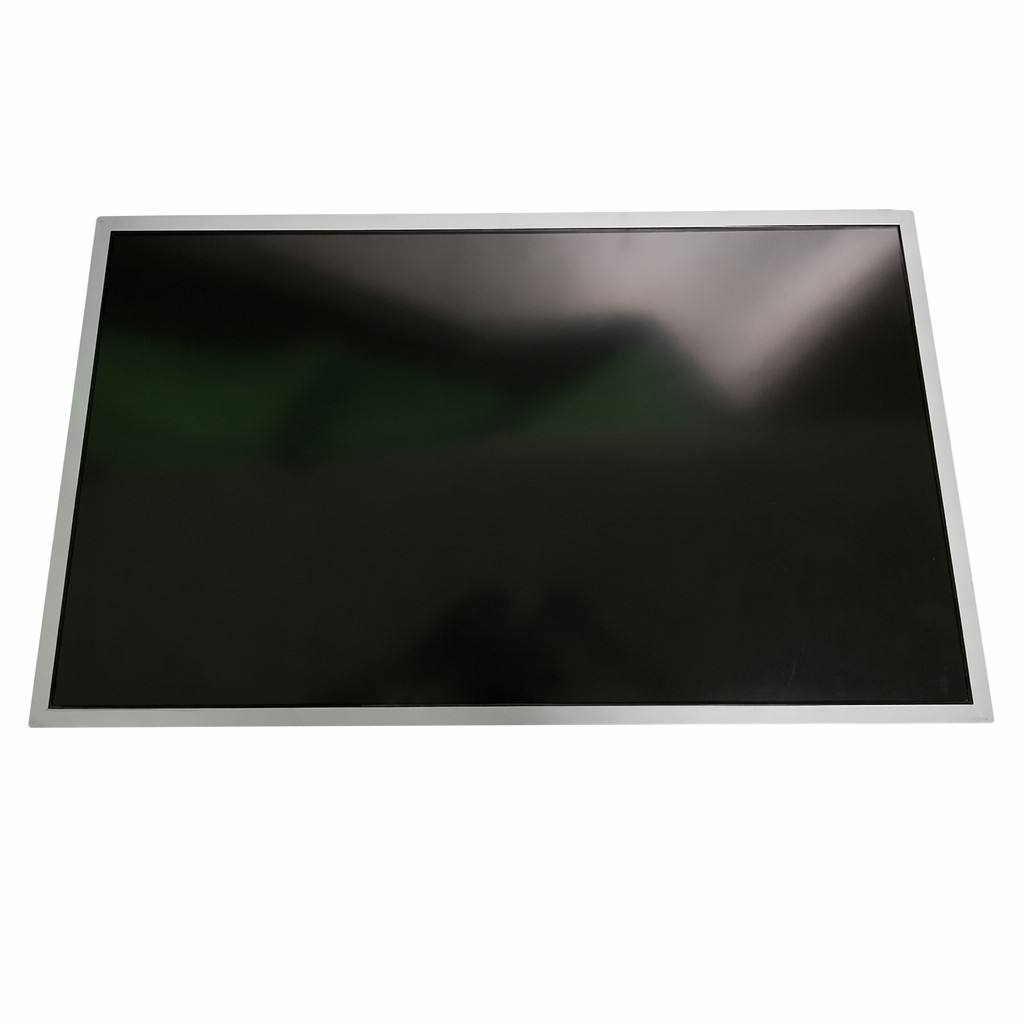
- First is the liquid crystal panel, the "core heart" of the LCD and the key factor determining the screen’s overall performance. It’s like a "controllable transparent panel" filled with tiny liquid crystal molecules. These molecules rotate under electrical current control to adjust light transmission, ultimately forming the images we see. Common panel types include IPS, VA, and TFT: IPS panels offer wide viewing angles, making them ideal for offices and commercial displays; VA panels deliver high contrast, perfect for monitoring and video playback; TFT panels are designed for harsh environments like industrial settings, with strong stability.
- Second is the backlight module, the "light source" of the LCD. Many people mistakenly think LCDs emit light on their own, but in reality, liquid crystal molecules themselves cannot emit light—they rely entirely on the backlight module for illumination. The mainstream backlight type today is LED, which is small, energy-efficient, and stable in brightness. What we refer to as "screen brightness" essentially refers to the light intensity of the backlight module. For example, outdoor screens require a higher-brightness backlight to ensure clear visibility even in strong sunlight.
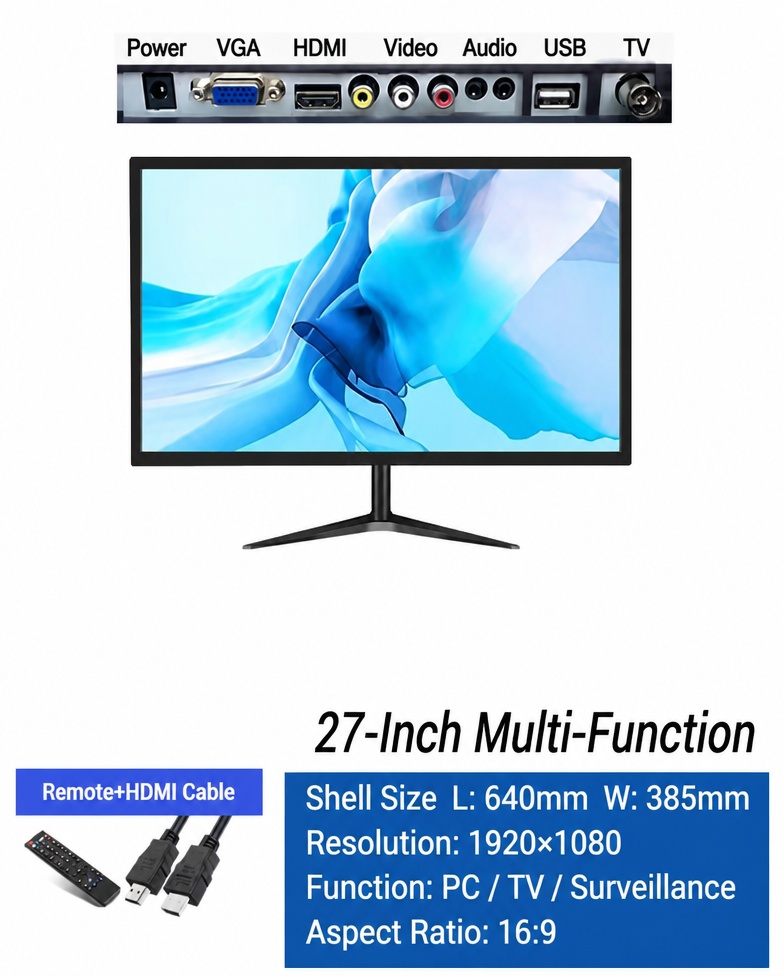
- Next is the driver board, the "brain and command center" of the LCD. Its core function is to receive signals from external devices (such as computers and surveillance equipment), convert them into instructions the liquid crystal panel can recognize, and control the display content, refresh rate, and color accuracy. The compatibility of the driver board is crucial—for example, industrial equipment often uses LVDS interface driver boards, while home and office monitors typically use HDMI interface driver boards. A mismatched driver board can cause display failures or lag.